To edit the pricing or visibility of a product in a school's storefront, first access the Stores tab.
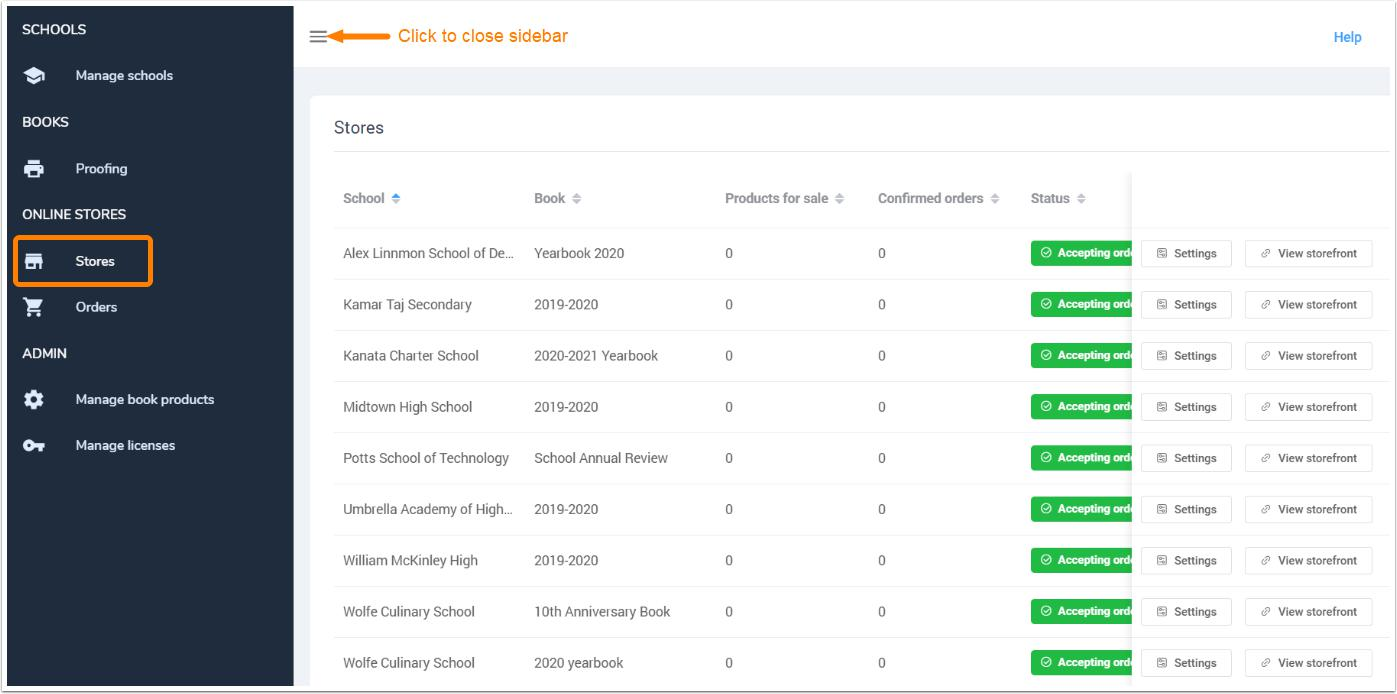
Click on the Settings button next to the selected school's book to manage your school's products.

Click Edit next to the product you need to update - this will reopen its details. Click Delete to remove it.

Was this article helpful?
That’s Great!
Thank you for your feedback
Sorry! We couldn't be helpful
Thank you for your feedback
Feedback sent
We appreciate your effort and will try to fix the article