One license is required to create a book, assigned to a single school. Consult the Terms of Use document to learn more about licensing (limitations of use, expiration, refund policy).
To view your license balance and/or place an order, click on Manage Licenses in the Publisher Dashboard menu.
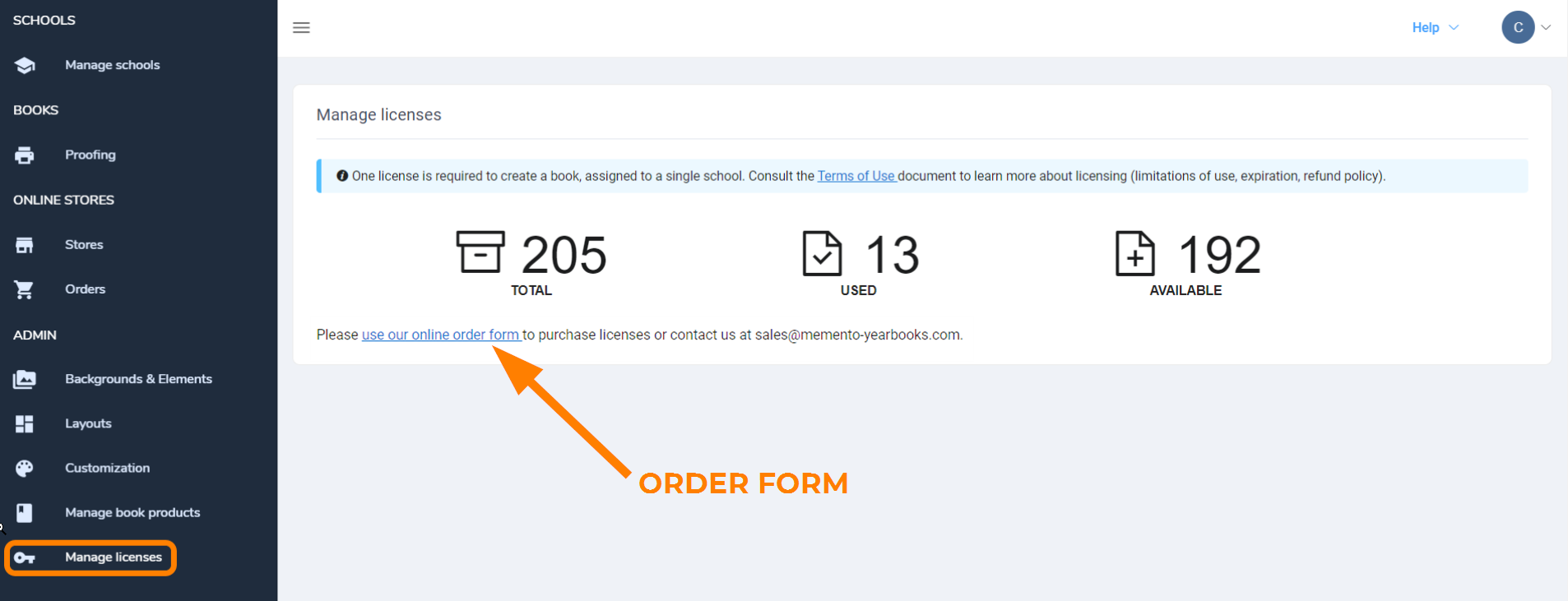
The license order form first displays pricing and other details.
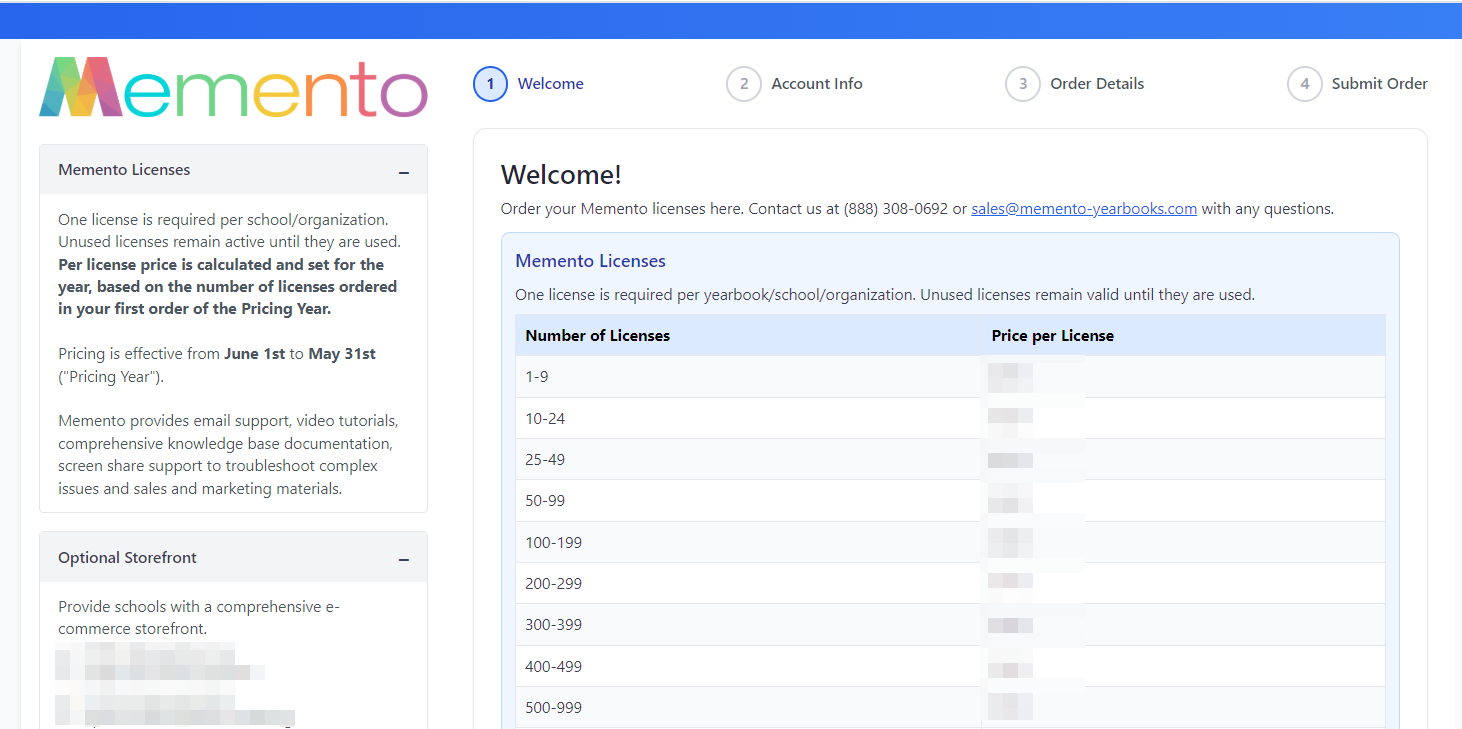
At the bottom of this page, choose one of the following options - new customer or returning customer. If you are a returning customer, type the email address of the primary contact person to load your account info.
The next screen displays your account information. Please contact our team if your billing contact info has changed. If this information is correct, continue to the next step to indicate the number of licenses you wish to purchase and your billing preference, then submit your order. Our team will process your request usually well within one business day.
Note that unused licenses do not expire, so ordering in bulk can benefit your per license costs. Only after the license is allocated to a book does its expiration countdown begin (18 months from the time of allocation).
Should you have any questions about your order, please contact the MementoPix sales team.
Was this article helpful?
That’s Great!
Thank you for your feedback
Sorry! We couldn't be helpful
Thank you for your feedback
Feedback sent
We appreciate your effort and will try to fix the article